Atomos Shinobi II Review: A Versatile 4K HDR Monitor
Explore the Atomos Shinobi II in our detailed review. Find out if this 4K HDR monitor is the right choice for your filmmaking needs.
 Monitors
The Atomos Shinobi II Review
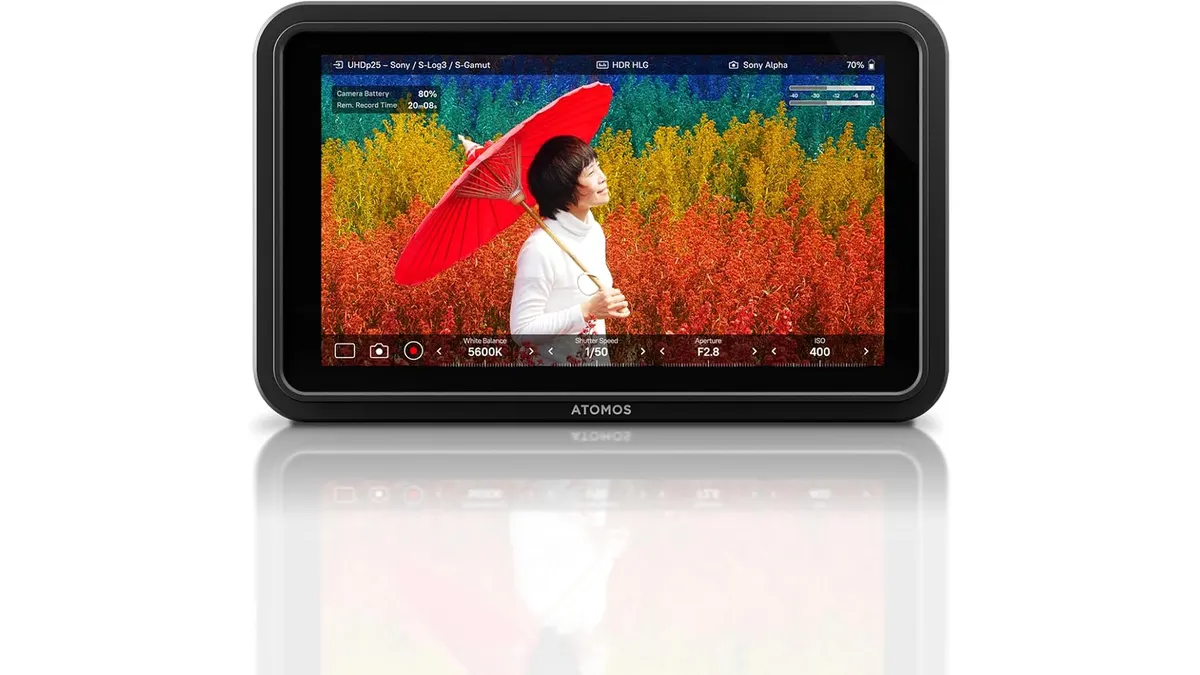
The Atomos Shinobi II is a 4K HDR monitor designed for filmmakers, videographers, and content creators who need a reliable, portable display. With its touchscreen capabilities and robust connectivity options, it stands out as a powerful tool for on-location shoots. I’ve tested this monitor in various settings and can share insights to help you decide if it’s worth adding to your kit.
What it does well
- High-Quality HDR Display: The touchscreen HDR display offers impressive color accuracy and sharp detail, making it invaluable for critical viewing in bright environments or during outdoor shoots.
- Versatile Connectivity: The inclusion of USB-C and HDMI ports ensures compatibility with a wide range of mirrorless and DSLR cameras, streamlining your workflow.
- Integrated Controls: The Atomos Shinobi II allows on-screen adjustments for key settings like white balance, aperture, shutter speed, and ISO. This feature is particularly handy during run-and-gun shoots where time is of the essence.
- Lightweight and Portable: Its lightweight design makes it easy to transport without adding significant bulk to your gear, a crucial consideration for mobile filmmakers.
Key specifications
| Specification | Details |
|---|---|
| Screen Type | 4K HDR Touchscreen |
| Connectivity | USB-C, HDMI |
| Compatibility | Mirrorless & DSLR Cameras |
| Integrated Controls | On-Screen Sliders |
| Design | Lightweight & Portable |
| Battery Life | All-Day Use |
Where it falls short
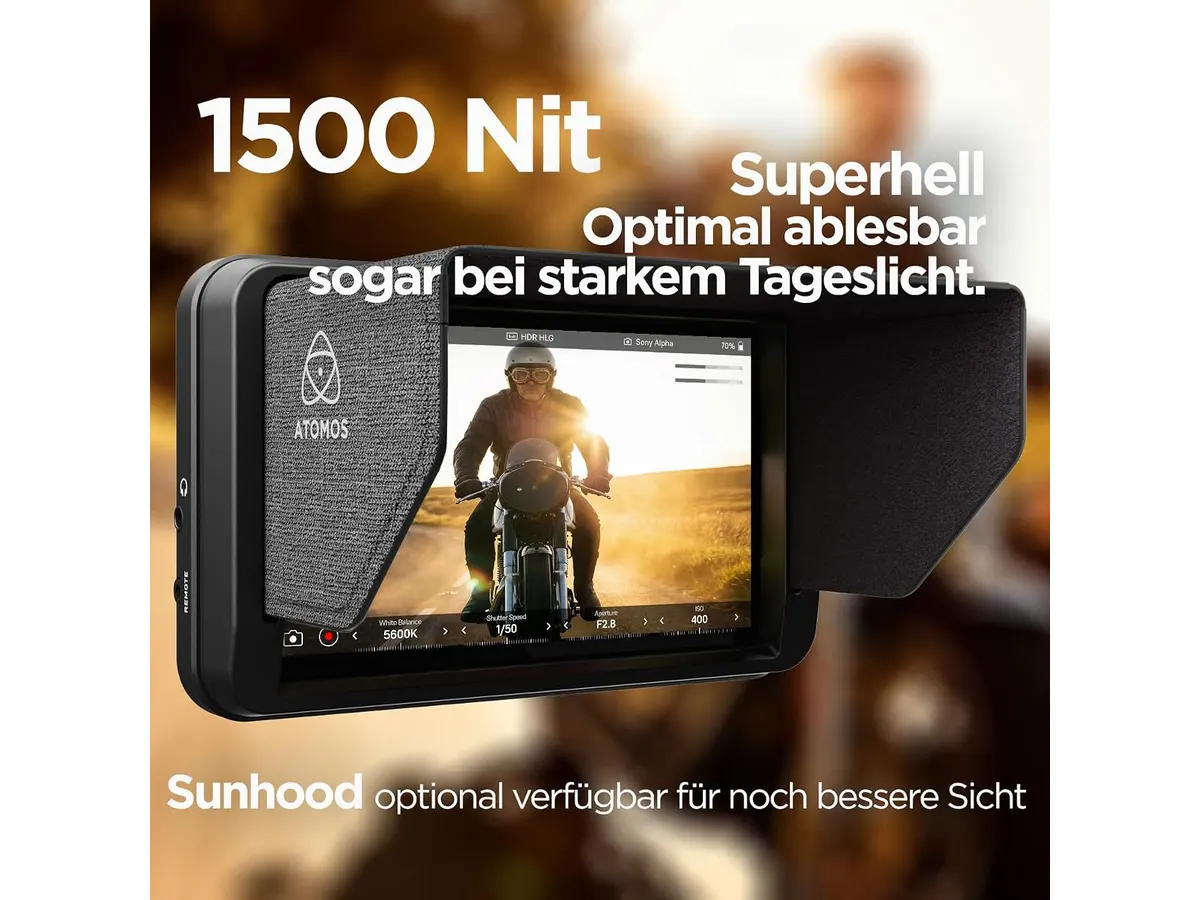
- Limited Brightness Levels: While the HDR capabilities are commendable, the monitor may struggle in extremely bright sunlight, limiting its effectiveness outdoors compared to higher-end options.
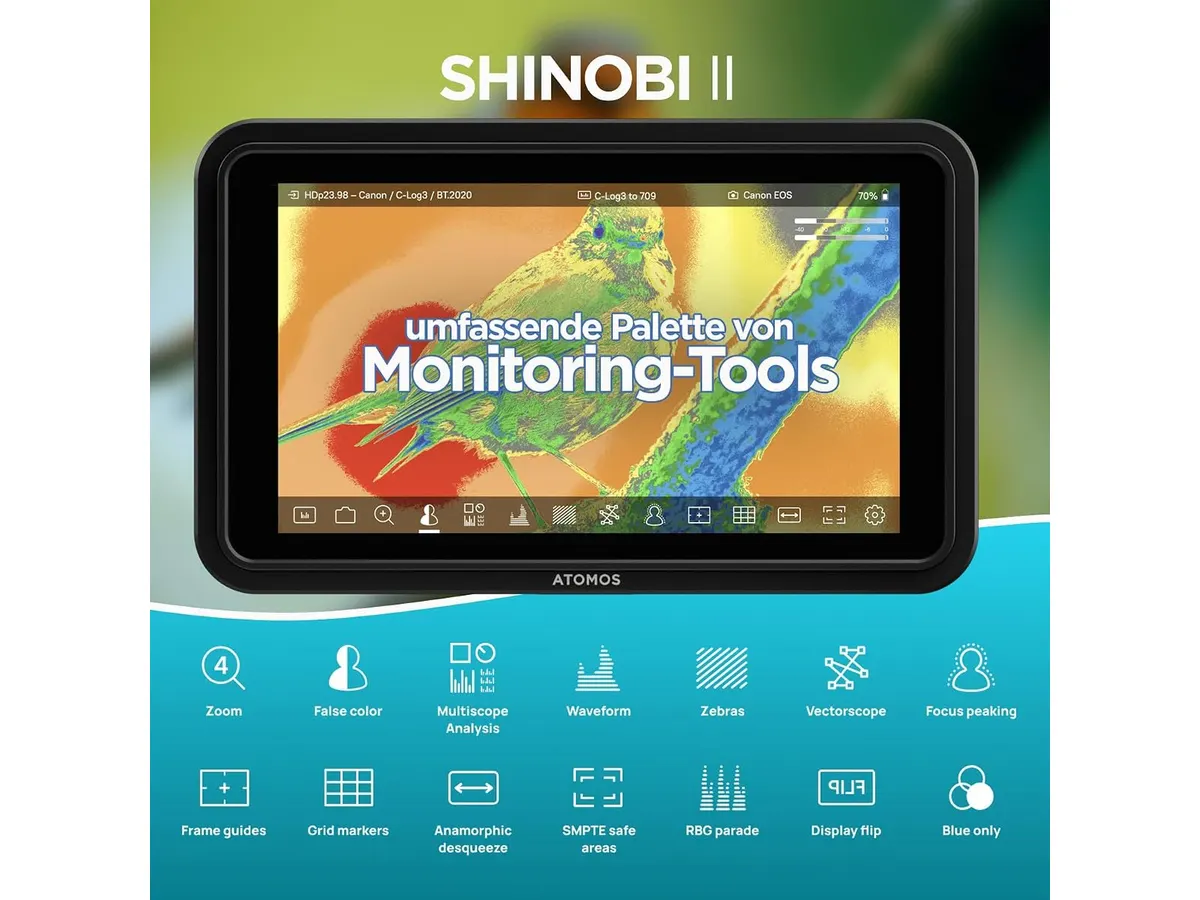
- Lacks Advanced Features: The Shinobi II doesn’t include features like 3D LUT support or waveform monitoring, which may disappoint professionals looking for comprehensive tools in post-production workflows.
- Basic Design: While it is lightweight and portable, the overall design feels somewhat basic, lacking premium materials that some high-end monitors offer. This could be a concern for users in high-stakes environments where durability is essential.
Who is it for?
The Atomos Shinobi II is ideal for solo content creators and small production teams who need a reliable, high-quality monitor without the need for advanced features. It’s perfect for documentary filmmaking, interviews, and even YouTube vlogs where portability and ease of use are key. Conversely, it may not be the best fit for seasoned professionals or larger productions that require advanced monitoring tools and features for complex setups and precise color grading.
Alternatives to consider
For those seeking options within different price tiers:
- Budget Tier: Look for basic 4K monitors with HDMI connections. These models provide adequate performance for entry-level video production without the bells and whistles of higher-priced monitors.
- Premium Tier: Consider professional-grade monitors that offer advanced features like 3D LUT support and high brightness levels. These are suited for filmmakers who focus on post-production and require detailed analysis of HDR content.
Verdict
The Atomos Shinobi II presents a strong value for filmmakers needing a portable and user-friendly 4K HDR monitor. Its strengths—such as touchscreen accessibility and solid connectivity—make it a practical choice for various shooting environments. However, if your work demands advanced features or exceptional brightness, you might want to explore higher-end options. Overall, for most independent creators, this monitor strikes an excellent balance between performance and portability.
For more insights on monitors, check out our Monitors category.
Frequently asked questions
What cameras are compatible with the Atomos Shinobi II?
The Atomos Shinobi II is compatible with a wide range of mirrorless and DSLR cameras, making it versatile for various setups.
How does the battery life perform during use?
Users can expect all-day battery performance, which is particularly beneficial for long shooting sessions without the hassle of frequent recharging.
Can I adjust settings on the monitor itself?
Yes, the Shinobi II allows adjustments for balance of whites, shutter speed, and ISO directly on the screen, enhancing usability during shoots.

Written by
Charly River
Editor & Head of Reviews
I review audiovisual gear by cross-checking official specs, real availability and value for money. No sponsorships: if a link earns a commission, I always say so.
Spotted an error? Email usYou may also like
 Monitors
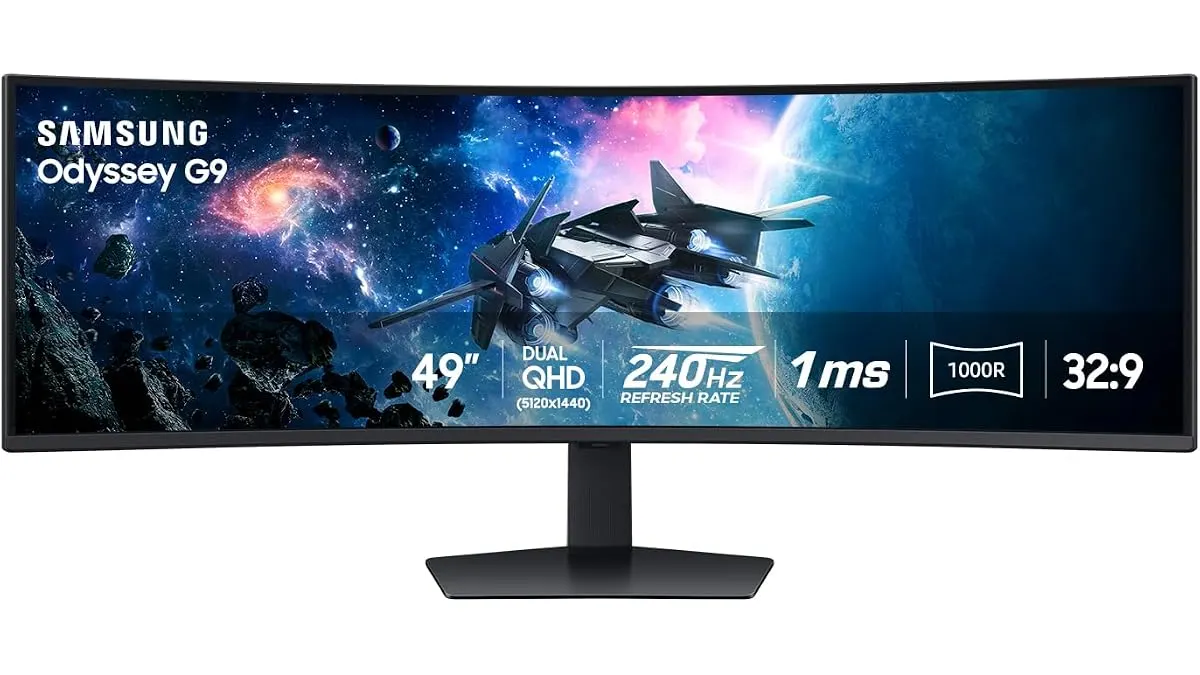
Samsung Odyssey G9 LS49CG954ENXZA Review: A Massive Ultrawide Test
We put the Samsung Odyssey G9 LS49CG954ENXZA to the test. Is this 49-inch curved beast right for your edit bay? Read our expert review to find out.
 Monitors
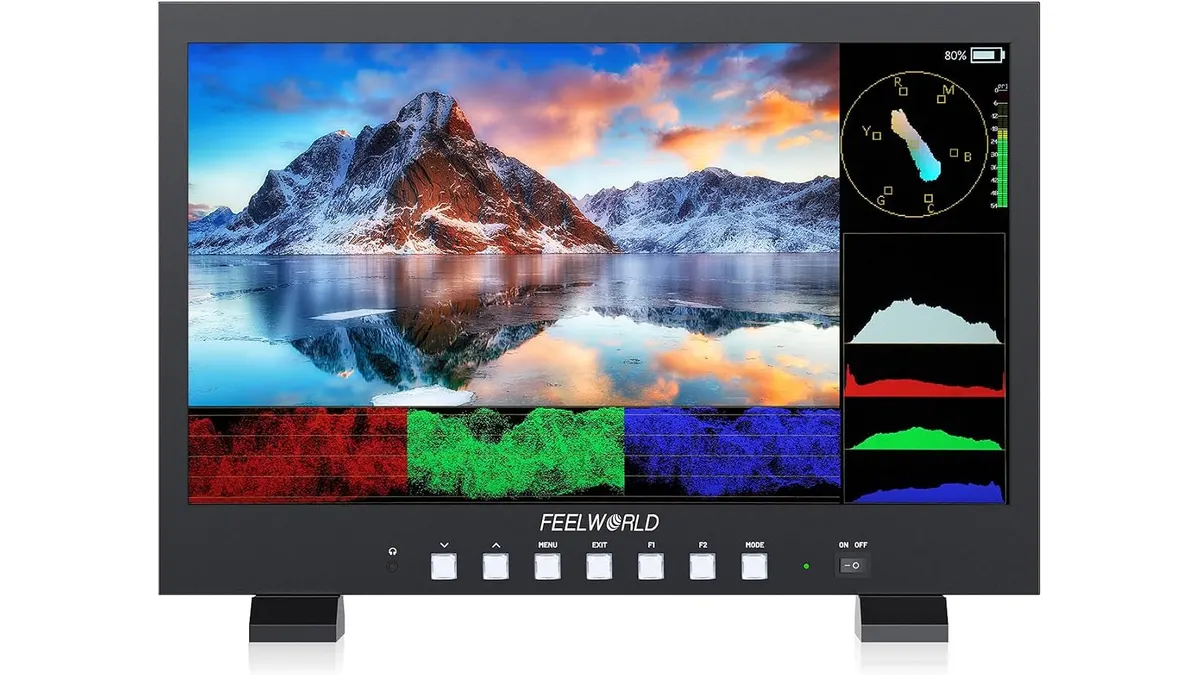
FEELWORLD FVM215 Review: Versatile 21.5" Monitor for Filmmaking
Discover the FEELWORLD FVM215, a robust 21.5" monitor designed for clarity and precision in demanding filming environments.
 Monitors
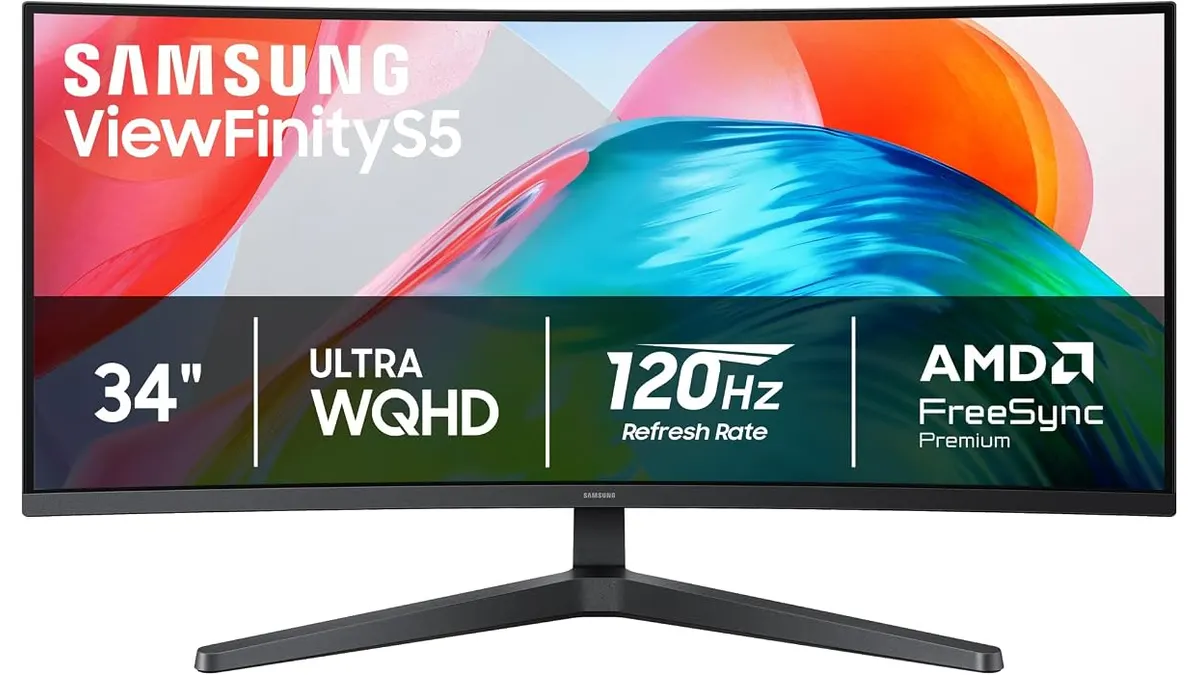
Samsung ViewFinity S5 (S55GH) Review: Ultrawide Desk Monitor
Read our hands-on Samsung ViewFinity S5 (S55GH) review. Discover how this 34-inch 120Hz curved 21:9 monitor performs for video editing workflows.