Samsung ViewFinity S5 (S55GH) Review: Ultrawide Desk Monitor
Read our hands-on Samsung ViewFinity S5 (S55GH) review. Discover how this 34-inch 120Hz curved 21:9 monitor performs for video editing workflows.
 Monitors
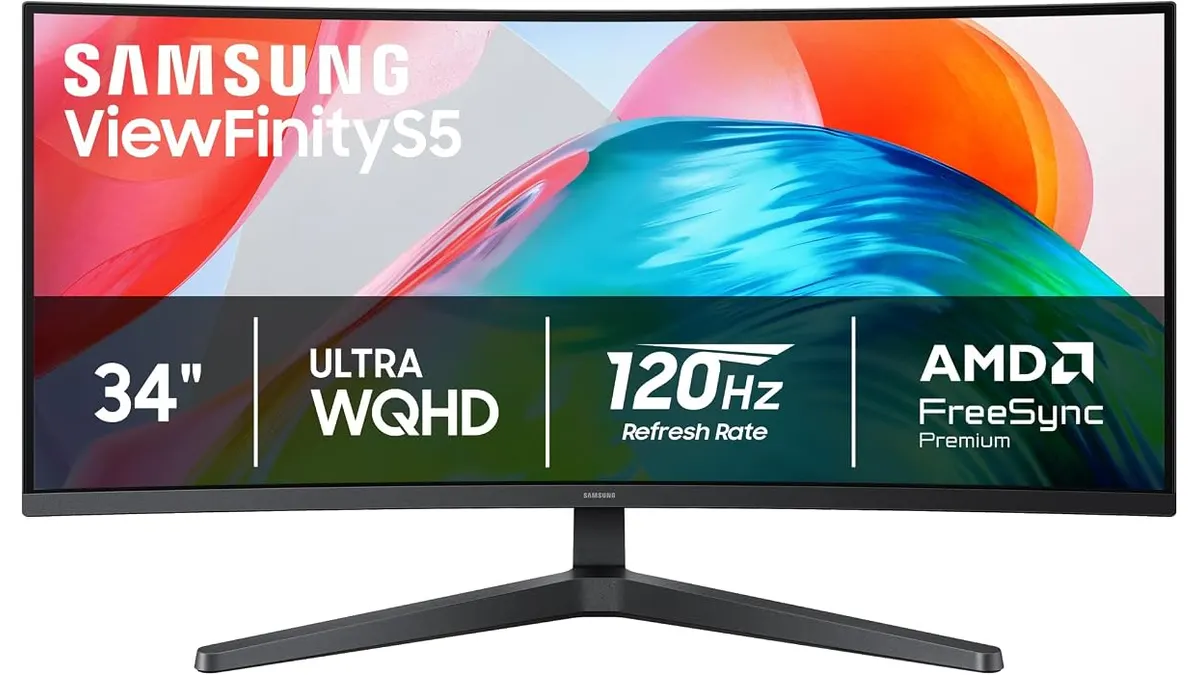
When laying out a complex timeline alongside scopes and bin folders, screen real estate is everything for post-production. The Samsung ViewFinity S5 (S55GH) brings an expansive 34-inch 21:9 curved display to your desktop setup. In this Samsung ViewFinity S5 (S55GH) review, we evaluate whether this panel delivers the workspace required for serious video editing. If you are refining your edit bay or browsing Monitors, here is how it performs.
What it does well
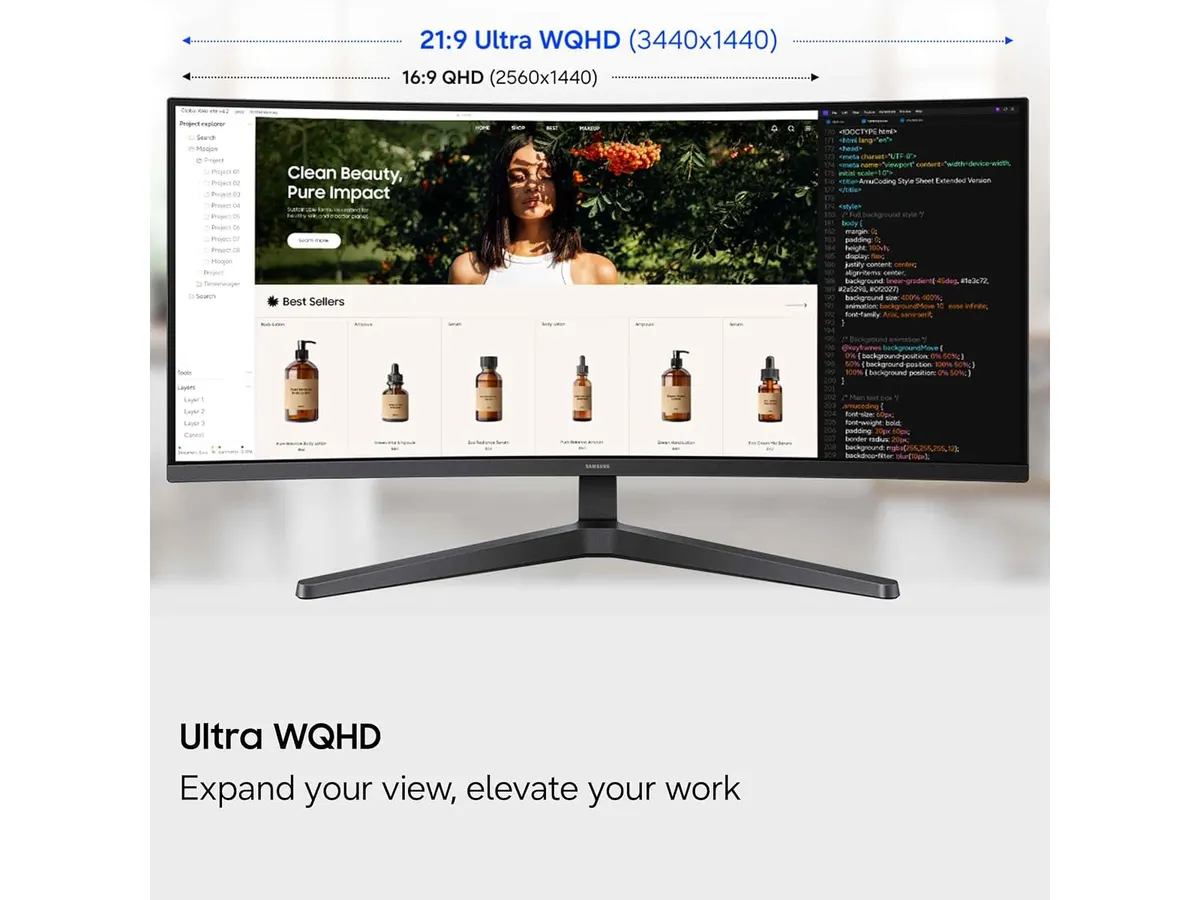
For video editors and content creators accustomed to dual-monitor setups with thick center bezels, transitioning to a single 34-inch 21:9 ultrawide panel is a revelation. The 1800R curvature wraps the display gently around your field of view, keeping the edges of your video editing timeline, audio mixer, and preview monitors at a comfortable, consistent viewing distance. We found this curve particularly effective at reducing neck strain during long editing sessions.
Visual fluidity is another clear strength. Featuring a 120Hz refresh rate combined with AMD FreeSync Premium technology, motion across the screen appears fluid and responsive. Whether you are fast-forwarding through 60fps timeline previews, scrubbing through high-resolution video clips, or moving heavy application windows across the desktop, screen tearing and motion stutter are effectively minimized.
Color depth and eye care are well-addressed for desktop monitoring. The panel supports HDR10 and displays over one billion colors, providing smooth gradients and rich color rendering for draft color grading and content review. Furthermore, the TÜV-certified Eye Saver mode actively reduces blue light emissions while eliminating flicker, making late-night editing sessions considerably easier on your eyes.
Key specifications
| Specification | Details |
|---|---|
| Screen Size | 34 inches |
| Curvature | 1800R |
| Aspect Ratio | 21:9 |
| Refresh Rate | 120Hz |
| HDR Technology | HDR10 |
| Synchronization | AMD FreeSync Premium |
| Connectivity | HDMI, DisplayPort |
Where it falls short
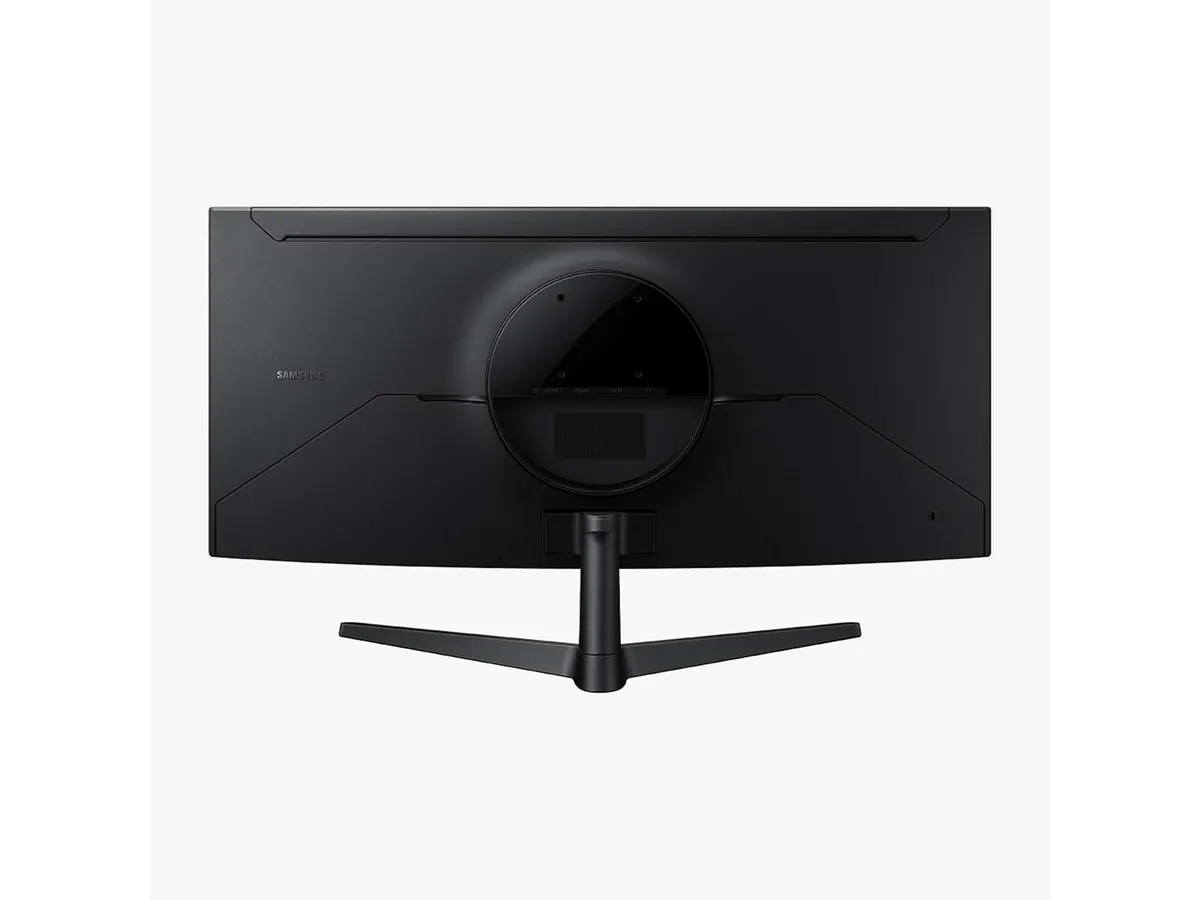
While the display offers generous desktop acreage, its physical connectivity is relatively minimal. With only HDMI and DisplayPort inputs included, there is no integrated USB hub or USB-C connection for single-cable laptop power delivery and data transfer. Laptop-based video editors will need to rely on external docks or dongles to route extra peripherals and charge their machines.
The 1800R curvature, while ergonomic for wide timeline editing, is a double-edged sword for specific design tasks. Straight horizon lines and architectural elements in video clips can appear slightly bent at first glance due to the optical curve of the display glass. If your workflow involves precise graphic design, VFX compositing, or CAD work where straight reference lines are paramount, a traditional flat display may be easier to adapt to.
Finally, while this monitor excels as an expansive desktop display for post-production software, it remains strictly a stationary studio tool. Creators who need on-set monitoring or direct camera feeds will be better served by a dedicated field unit like the Atomos Ninja 5.2” monitor, as this display lacks SDI, direct camera power options, or mounting threads.
Who is it for?
This monitor is tailored for video editors, podcasters, and content creators who need maximum screen real estate to organize complex application layouts. Having your main editing timeline, source clips, and control panels visible side-by-side without swapping virtual desktops or dealing with multi-monitor bezels creates an efficient desktop workflow.
Conversely, this panel is not ideal for precision graphic artists who require zero curve distortion, or mobile filmmakers looking for a secondary display for field editing. For smaller desk spaces or secondary monitoring, a display like the Samsung Essential S3 27 Curved Monitor or a flat color-reference monitor might offer a better fit for your space constraints.
Alternatives to consider
If you are evaluating options in this market segment, consider how your workspace requirements align with different price tiers and panel styles. In a lower price tier, basic 16:9 flat monitors offer functional 1080p viewing for everyday office work, though they lack the immersive 21:9 layout necessary for spreading out multi-track editing software.
In a higher price tier, professional reference displays offer flat panel geometry, specialized hardware calibration tools, and built-in USB-C power hubs. While those premium options cater to high-end color grading suites and single-cable docking, this ultrawide strikes a sweet spot for creators prioritizing expansive screen space and smooth 120Hz playback.
Verdict
The Samsung ViewFinity S5 (S55GH) delivers an excellent combination of ultrawide canvas, 120Hz motion smoothness, and comfortable ergonomics for desktop video production. While the lack of USB-C connectivity requires extra cables for laptop users, the expansive 34-inch 21:9 display dramatically improves multi-window productivity. If you want to streamline your editing desk with a continuous curved screen, this display stands out among current Samsung Monitors.
Frequently asked questions
Is the 1800R curvature noticeable when editing video?
Yes, the gentle 1800R curve keeps the outer edges of the 34-inch panel comfortably within your field of view. While it enhances immersive timeline scrubbing and reduces neck turn, users doing critical visual effects or straight-line alignment work may need a brief adjustment period.
Does the Samsung ViewFinity S5 (S55GH) support high refresh rate video playback?
Yes, the display supports a native 120Hz refresh rate along with AMD FreeSync Premium. This combination provides exceptionally smooth motion rendering when reviewing high-frame-rate footage or navigating dense software interfaces.
What video inputs are available on the Samsung ViewFinity S5 (S55GH)?
The monitor includes standard HDMI and DisplayPort inputs. This allows you to easily connect modern desktop workstations, gaming consoles, or laptop graphics outputs using standard display cables.

Written by
Charly River
Editor & Head of Reviews
I review audiovisual gear by cross-checking official specs, real availability and value for money. No sponsorships: if a link earns a commission, I always say so.
Spotted an error? Email usYou may also like
 Monitors
Samsung Essential S3 27 Curved Monitor Review
Read our in-depth review of the Samsung Essential S3 (S36GD) 27-inch curved display featuring a 100 Hz refresh rate and 1800R curvature for video editing.
 Monitors
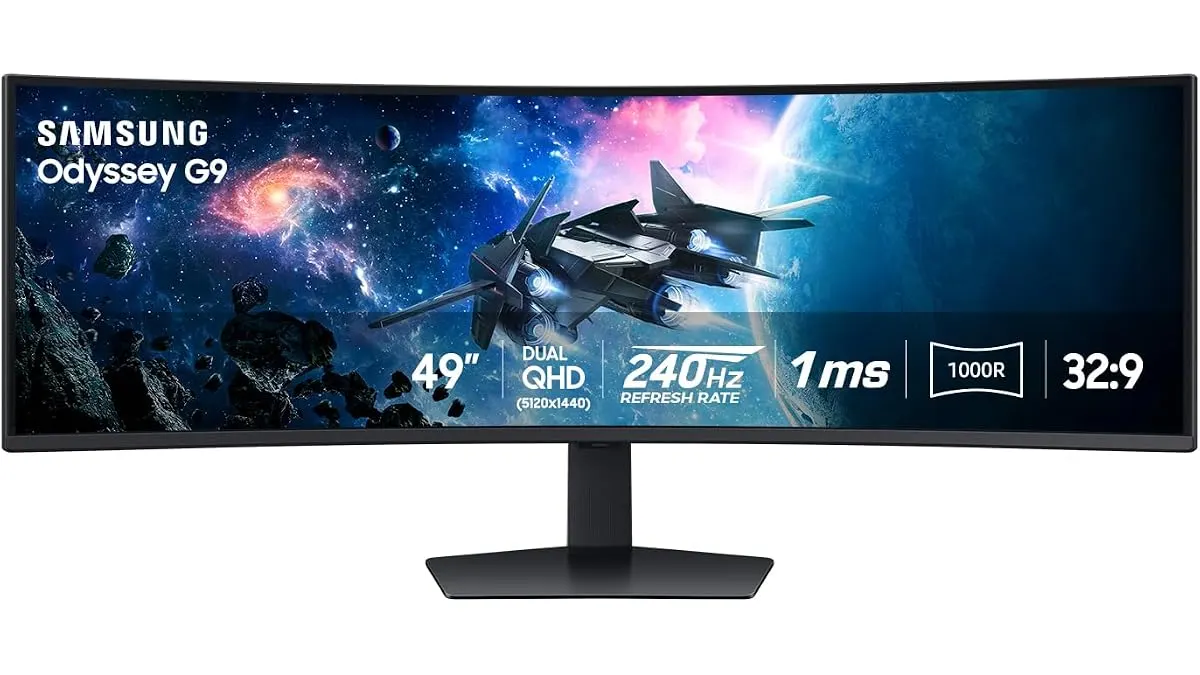
Samsung Odyssey G9 LS49CG954ENXZA Review: A Massive Ultrawide Test
We put the Samsung Odyssey G9 LS49CG954ENXZA to the test. Is this 49-inch curved beast right for your edit bay? Read our expert review to find out.
 Monitors
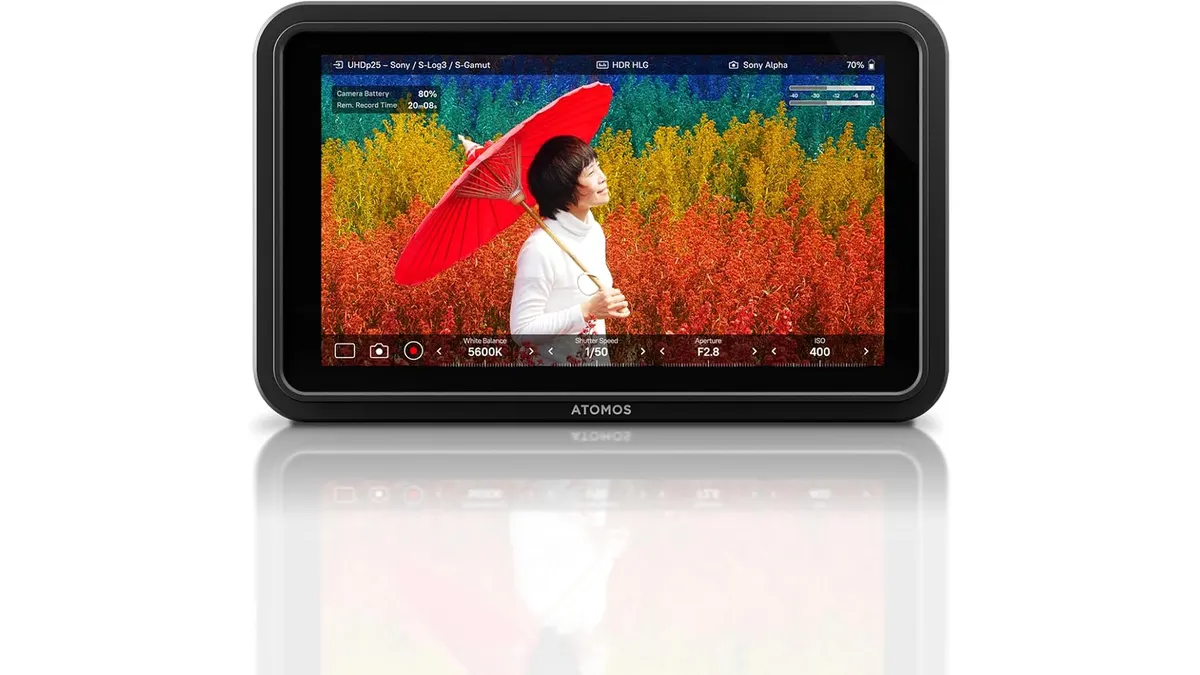
Atomos Shinobi II Review: A Versatile 4K HDR Monitor
Explore the Atomos Shinobi II in our detailed review. Find out if this 4K HDR monitor is the right choice for your filmmaking needs.