Samsung ViewFinity S8 (S80HF) Review: Desktop 5K Monitor
Discover our in-depth Samsung ViewFinity S8 (S80HF) review. Explore 5K resolution, 218 PPI, 90W USB-C, and built-in KVM for video editing bays.
 Monitors
When editing high-bitrate 4K video footage or color-grading high-res stills, screen real estate and fine detail mean everything. The Samsung ViewFinity S8 (S80HF) targets post-production editors and digital content creators who need maximum pixel density without cluttering their desk space. In this Samsung ViewFinity S8 (S80HF) review, we evaluate whether this 5K display holds up in a demanding studio workflow for video professionals browsing high-resolution monitors.
What it does well
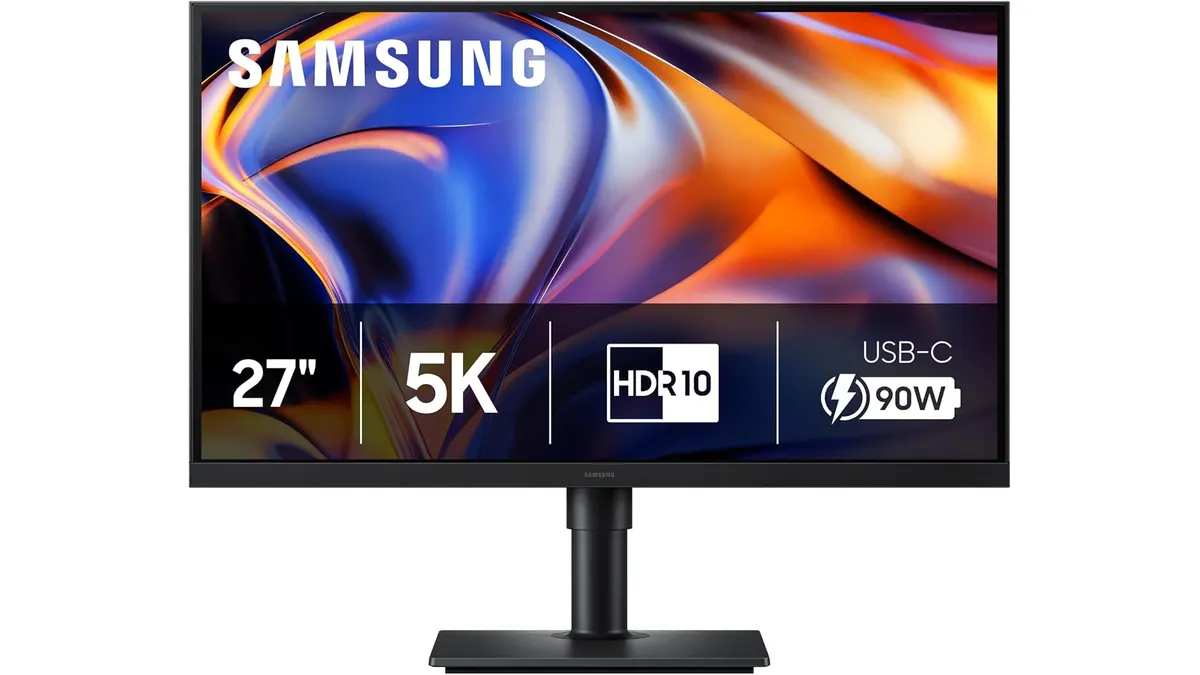
Working on video timelines requires clear UI separation and crisp text rendering. The Samsung ViewFinity S8 (S80HF) features a 27-inch panel operating at native 5K (5120 x 2880) resolution. That yields a dense 218 PPI (pixels per inch). In practice, this high pixel density allows you to preview 4K footage at native resolution while maintaining ample surrounding layout space for editing tracks, scopes, and inspector panels without soft visual artifacts.
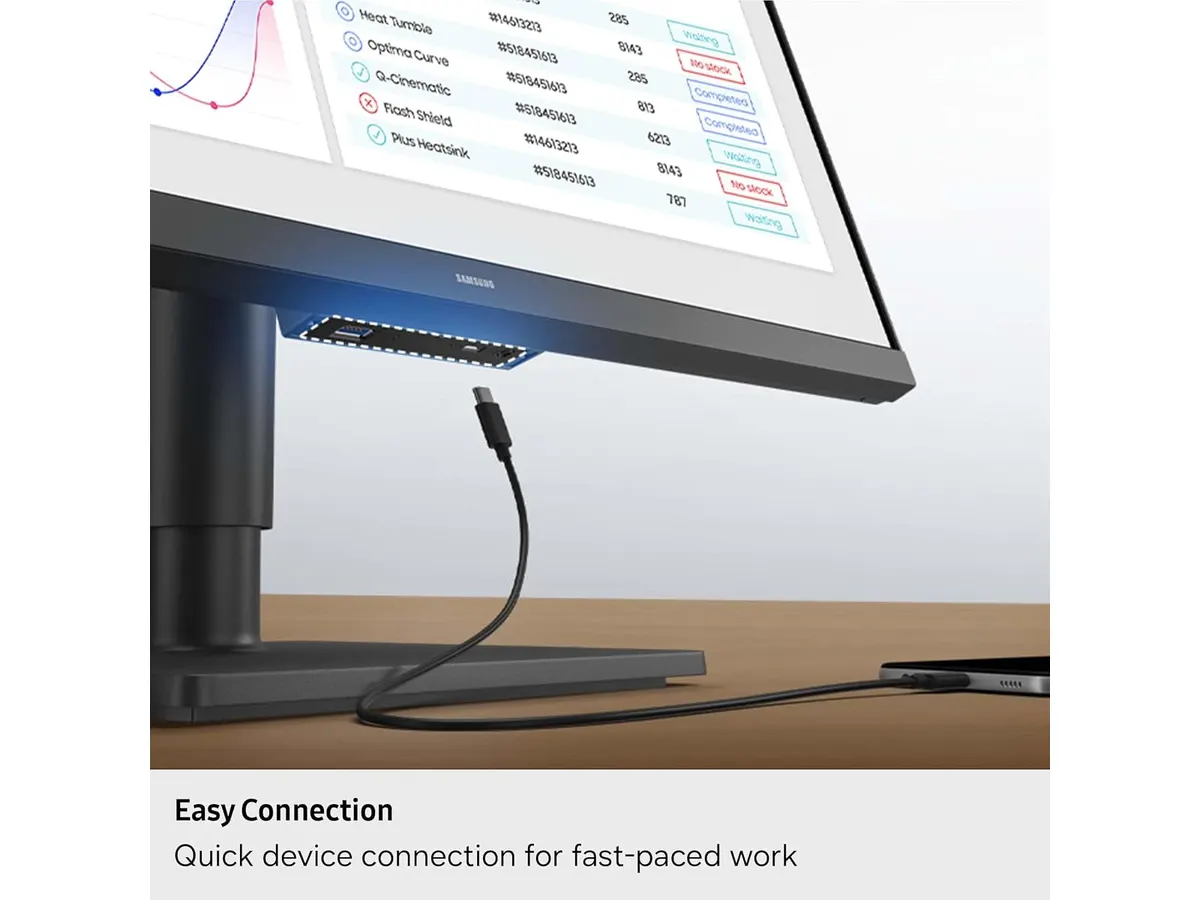
Cable management is another area where this display excels. The integrated USB-C port provides simultaneous data transfer and up to 90W power delivery. You can plug a single cable into your editing laptop to drive the display, charge the machine, and connect to peripherals. Furthermore, Samsung integrated an Ethernet LAN port directly into the back of the panel, giving your laptop a wired network connection without requiring an external dock.
Multi-device workflows are standard in edit bays where graphics workstations handle render tasks alongside mobile laptops. The built-in KVM switch, combined with Picture-in-Picture (PIP) and Picture-by-Picture (PBP) capabilities, allows you to control two distinct input sources using a single keyboard and mouse setup on one display.
For long grading or editing sessions, visual comfort is critical. The display incorporates HDR10+ support for high-contrast viewing, complemented by TÜV-certified Eye Saver Mode and flicker-free technology to minimize eye strain during late-night cutdowns. When working long hours, this screen control feels far less fatiguing than monitoring output on compact field recorders like the Atomos Ninja 5.2” monitor-recorder.
Key specifications
| Specification | Details |
|---|---|
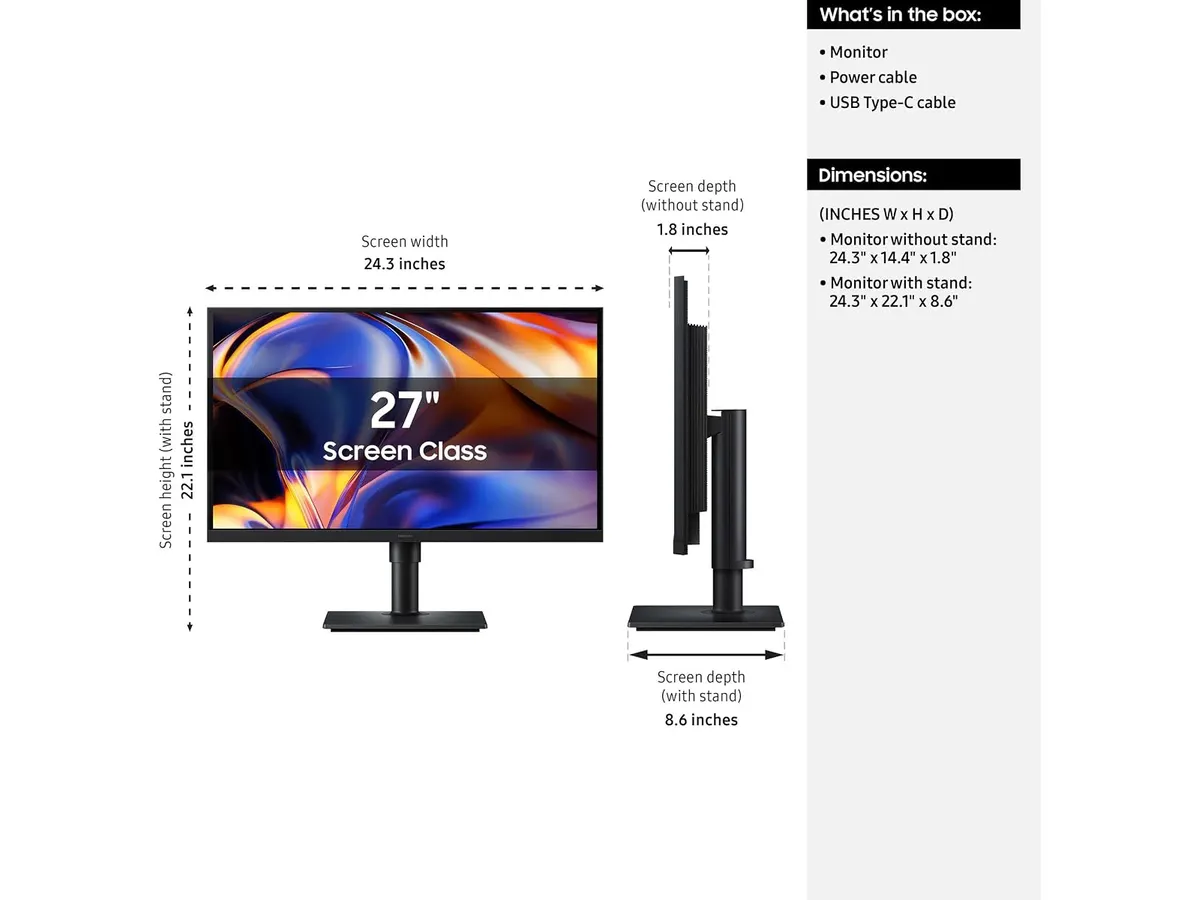
| Screen Size | 27 inches |
| Native Resolution | 5K (5120 x 2880) |
| Pixel Density | 218 PPI |
| High Dynamic Range | HDR10+ |
| USB-C Interface | Data transfer & 90W Power Delivery |
| Network Connectivity | Integrated LAN Ethernet Port |
| Workflow Features | Built-in KVM Switch, PIP, PBP support |
| Visual Ergonomics | TÜV Certified (Eye Saver Mode, Flicker-Free) |
Where it falls short
While the 218 PPI resolution produces exceptionally crisp text, a 27-inch screen size running native 5K requires display scaling within your operating system. Users who prefer unscaled 1:1 user interfaces without system scaling might find text elements and toolbar icons uncomfortably small.
Although the monitor offers HDR10+ support for enhanced contrast between deep blacks and peak highlights, edge-lit desktop displays cannot completely replicate dedicated HDR mastering monitors. If your work demands strict broadcast-level HDR video mastering, you will still need a dedicated professional broadcast grading display.
Who is it for?
This display fits well into two distinct user profiles, while remaining less suitable for others:
- Ideal User: Commercial video editors, photo retouchers, and graphics designers who require a high-density 5K workstation layout, a clean one-cable laptop connectivity setup with 90W power, and integrated KVM switching between dual machines.
- Not Recommended For: High-frame-rate competitive gamers, solo field creators needing mobile battery power, or budget-oriented studio builders who prefer basic desktop panels like those covered in our Samsung Essential S3 27 review.
Alternatives to consider
If you are evaluating options across Samsung Monitors and broader display categories, consider how different design priorities affect your desktop workspace:
- Standard 4K Entry-Tier Displays: Monitors in lower price tiers typically cap out at 3840 x 2160 resolution across a 27-inch surface. While suitable for basic video playback and web browsing, they lack the extra pixel real estate needed to view a native 4K video frame while keeping complex video editing timelines fully visible.
- Ultrawide Productivity Displays: Monitors in higher price tiers often trade away vertical pixel density to provide a wide 21:9 aspect ratio. An ultrawide panel gives you longer horizontal timelines, but a native 27-inch 5K screen offers superior vertical sharpness and tighter PPI for critical photo retouching.
Verdict
The Samsung ViewFinity S8 (S80HF) stands out as a powerful desktop hub for post-production creators. The 218 PPI 5K screen delivers exceptional clarity, while 90W USB-C power delivery, integrated LAN, and built-in KVM controls streamline dual-computer editing environments. For creators building out an efficient editing setup, it represents a versatile option among modern monitors.
Frequently asked questions
Does the Samsung ViewFinity S8 (S80HF) charge a connected laptop while transmitting video?
Yes, the built-in USB-C port supports data transfer and delivers up to 90W of power simultaneously, which is sufficient to keep most production laptops powered during intensive video editing tasks.
Can I control two computers on the Samsung ViewFinity S8 (S80HF) using one mouse and keyboard?
Yes, the display features an integrated KVM switch along with PIP and PBP modes, enabling you to view and control two connected source devices on a single monitor.
How does 218 PPI help in video post-production?
At 218 PPI, a 27-inch 5K display allows you to review high-resolution images and 4K footage at native detail while leaving plenty of surrounding screen real estate for software toolbars and timelines.

Written by
Charly River
Editor & Head of Reviews
I review audiovisual gear by cross-checking official specs, real availability and value for money. No sponsorships: if a link earns a commission, I always say so.
Spotted an error? Email usYou may also like
 Monitors
Samsung Essential S3 27 Curved Monitor Review
Read our in-depth review of the Samsung Essential S3 (S36GD) 27-inch curved display featuring a 100 Hz refresh rate and 1800R curvature for video editing.
 Monitors
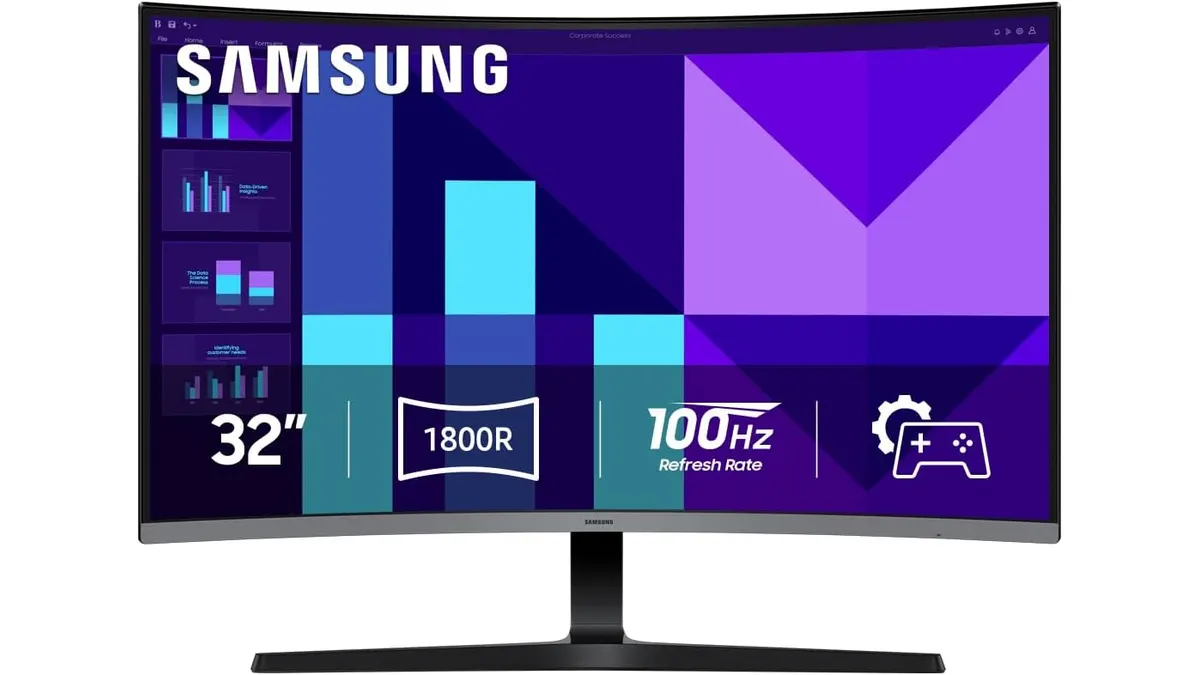
Samsung S3 S39GD Series Review: A Large Curved Desktop Display
Looking for a big, immersive screen for your edit suite? We put the 32-inch Samsung S3 S39GD Series through its paces to see if it fits your production needs.
 Monitors
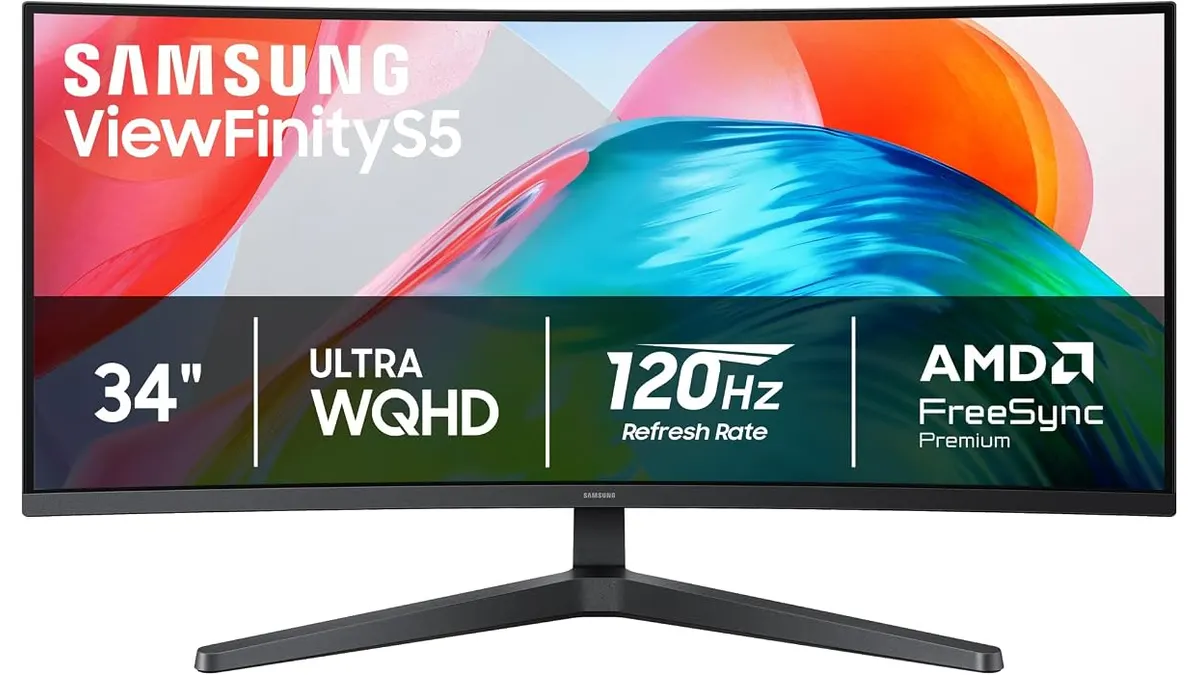
Samsung ViewFinity S5 (S55GH) Review: Ultrawide Desk Monitor
Read our hands-on Samsung ViewFinity S5 (S55GH) review. Discover how this 34-inch 120Hz curved 21:9 monitor performs for video editing workflows.