Hollyland Vcore Review: Wireless Monitoring & Proxy Workflow
Read our hands-on Hollyland Vcore review. Discover how this 4K wireless video transmitter handles 65ms latency, proxy capture, and mobile workflows.
 Video Transmission
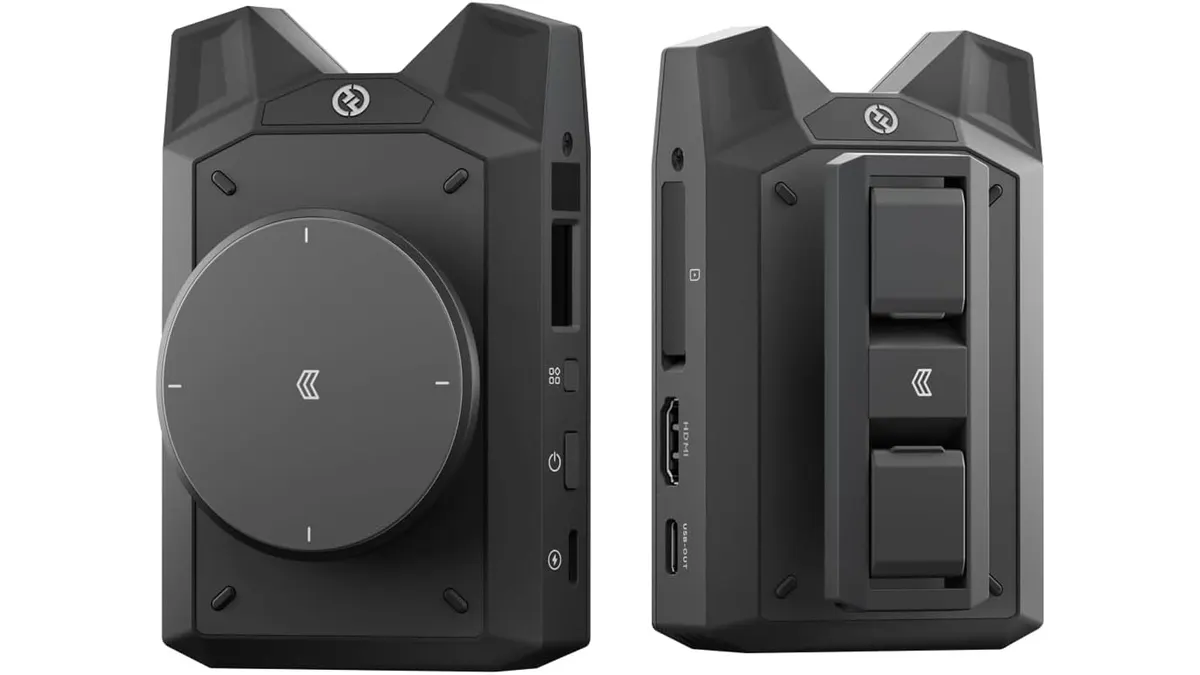
Solo shooters and small crews often fight messy setups when trying to monitor feeds and manage dailies. In this Hollyland Vcore review, I examine how this compact unit aims to streamline your set by combining wireless monitoring with direct proxy capture. Positioned in the evolving market for wireless video transmission gear, the Vcore promises to eliminate cable clutter while speeding up post-production handoffs.
What it does well
Wireless monitoring needs to be reliable first and feature-rich second. During field testing, the Hollyland Vcore proved that it can handle both demands with impressive stability.
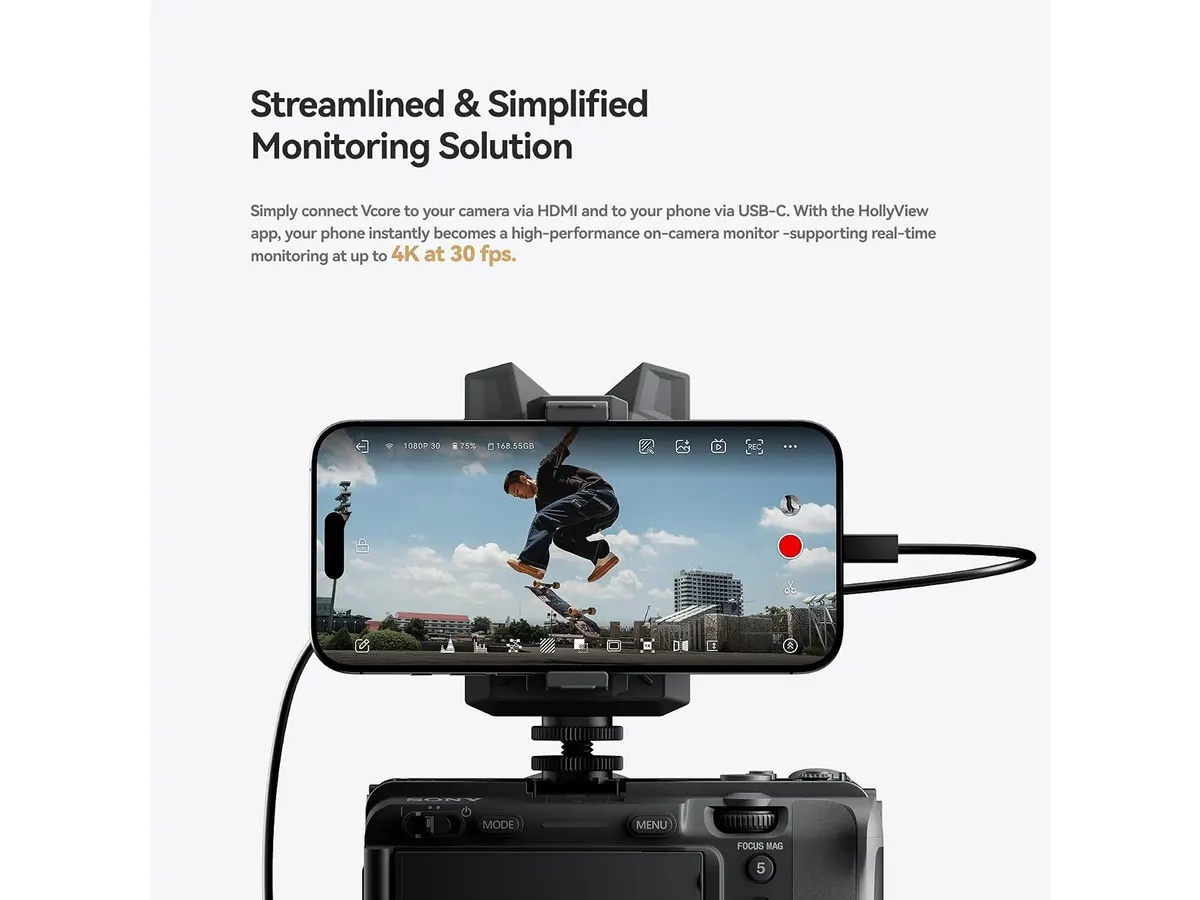
- High-Resolution Transmission: Sending up to 4K at 30 fps or a fluid 1080p at 60 fps across the 5 GHz frequency band gives directors and clients a crisp signal on set. The 65 ms latency is low enough for smooth real-time framing and composition.
- Integrated Power Bank Functionality: The internal 5150 mAh battery is a massive practical benefit. Instead of mounting separate power banks to keep your monitoring phone alive during long interview shoots, the Vcore powers itself and your mobile device simultaneously.
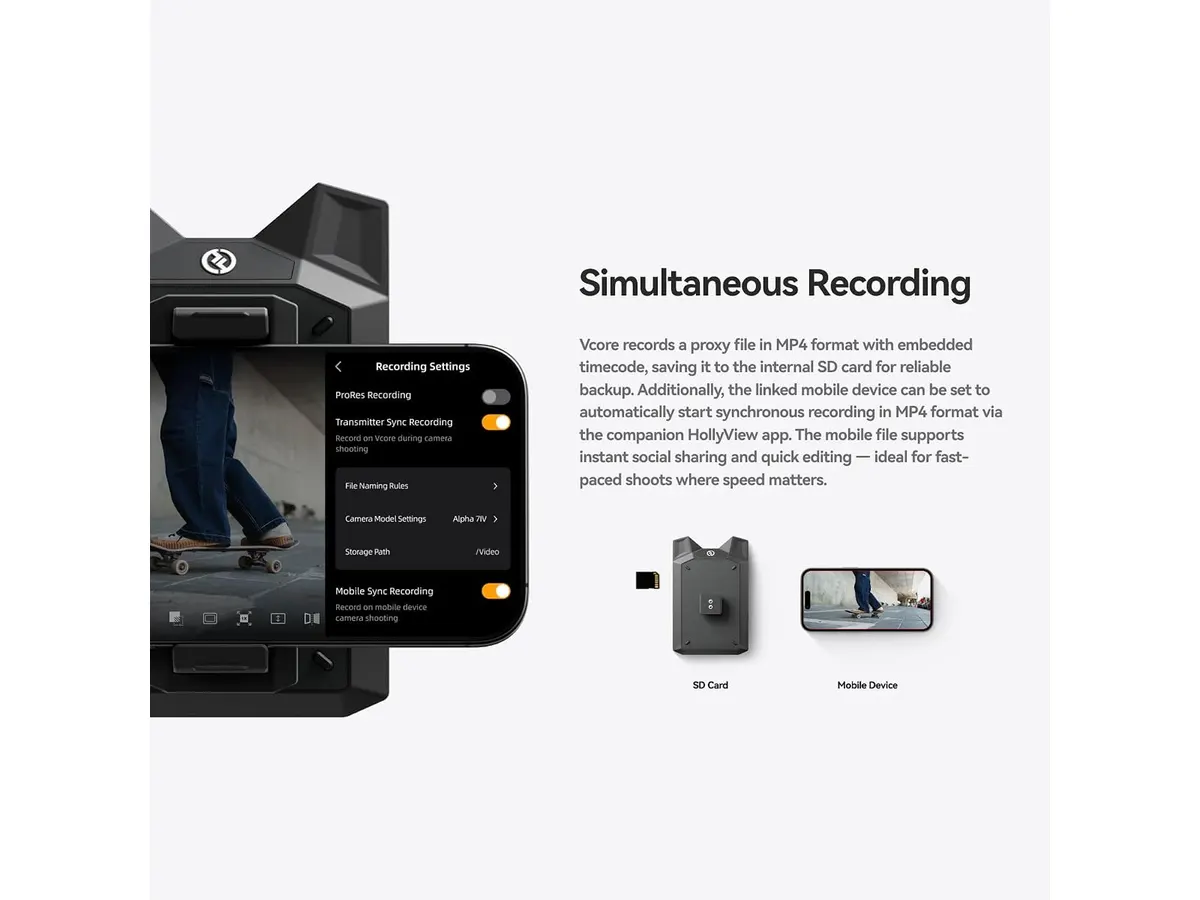
- Seamless Proxy Workflow: The unit records proxies directly up to 1080p 60 fps in H.264 (MP4) format while detecting camera timecode. When offloading to edit suites like Premiere Pro, DaVinci Resolve, or Capture One, the timecode alignment saves hours of manual sync work.
- Direct Lossless Transfers: Beyond streaming video, the system permits quick lossless transfers of RAW and JPEG files straight to connected mobile devices and computers, making client photo approvals on set faster than ever.
Key specifications
| Specification | Details |
|---|---|
| Transmission Resolution | Up to 4K at 30 fps / 1080p at 60 fps |
| Wireless Latency | Approx. 65 ms |
| Transmission Range | Up to 100 meters (line of sight) |
| Frequency Band | 5 GHz |
| Battery Capacity | 5150 mAh (supports phone charging) |
| Proxy Recording Format | Up to 1080p 60 fps H.264 (MP4) |
| Timecode Support | Camera timecode detection |
| File Transfers | Lossless RAW and JPEG to mobile/PC |
| NLE / Software Compatibility | Premiere Pro, DaVinci Resolve, Capture One |
| App Ecosystem | HollyView |
Where it falls short
While the feature set is broad, every piece of gear involves compromises that depend on your production environment.
First, while 65 ms latency is remarkably low for Wi-Fi based monitoring, it is not zero-delay wireless video. Focus pullers operating high-speed tracking shots or fast macro moves will still prefer hardware-dedicated zero-latency systems.
Second, the 100-meter range relies strictly on clear line-of-sight over 5 GHz. In heavily congested RF environments or locations with thick concrete walls, signal penetration drops. If your shoot spans multiple rooms in an industrial venue, you may experience signal dropouts.
Finally, because monitoring hinges on the HollyView app on smart devices, your viewing experience is tied to your phone screen’s peak brightness and thermal limits on sunny outdoor shoots.
Who is it for?
- Ideal for Solo Creators and Small Documentary Crews: If you need to hand a smartphone to a director or client while simultaneously generating timecode-synced 1080p H.264 proxies for immediate editing in DaVinci Resolve, this unit simplifies your entire rig.
- Not for Dedicated Focus Pullers or Enterprise Live Broadcasts: If your workflow requires uncompressed SDI loops, sub-1ms latency for pulling focus on fast lenses, or multi-stage studio feeds, explore specialized zero-delay systems like those highlighted in our Jakoly Image Transmission 2-Pack Review for Filmmakers.
Alternatives to consider
If you are deciding how to allocate your gear budget, consider these two alternative tiers:
- Entry-Level HDMI Transmitters: In a lower price tier, basic transmitters offer straightforward 1080p video links without local proxy recording or onboard power bank functionality. These work fine for simple framing monitors where you do not need timecode sync or mobile file transfers.
- Production-Grade Zero-Delay Systems: In a significantly higher price tier, uncompressed wireless systems trade off smartphone app convenience and internal proxy saving for ultra-low latency hardware receivers and robust SDI connectivity. Creators managing fixed studio cameras can also reference our Tenveo VX30M-Ultra Review: Versatile 4K Video Transmission for alternate transmission pipelines.
Verdict
The Hollyland Vcore hits a sweet spot for modern digital video creation. By pairing stable 4K transmission and low latency with smart features like phone charging and timecode-synced proxy recording, it solves real headaches for small crews. While traditional focus pullers may need zero-delay SDI setups, content creators and indie filmmakers will find this standard of Hollyland Video Transmission essential for quick turnarounds.
Frequently asked questions
Can the Hollyland Vcore charge my phone while transmitting?
Yes, the internal 5150 mAh battery is designed to power the Vcore unit while simultaneously delivering power to your attached smartphone running the HollyView monitoring app.
Does proxy recording sync with my camera timecode?
Yes, the Vcore features camera timecode detection and records up to 1080p 60 fps H.264 MP4 files directly, allowing easy timeline alignment in NLEs like Premiere Pro and DaVinci Resolve.
What is the maximum range of the Hollyland Vcore?
The unit achieves a transmission distance of up to 100 meters (approximately 328 feet) in clear line-of-sight environments operating on the 5 GHz frequency band.

Written by
Charly River
Editor & Head of Reviews
I review audiovisual gear by cross-checking official specs, real availability and value for money. No sponsorships: if a link earns a commission, I always say so.
Spotted an error? Email usYou may also like
 Video Transmission
Hollyland Pyro Ultra Review: 4K60 Long-Range Video
Our in-depth Hollyland Pyro Ultra review tests its 4K60 video transmission, 4,900 ft range, SDI/HDMI connectivity, and low-latency Focus Mode.
 Video Transmission
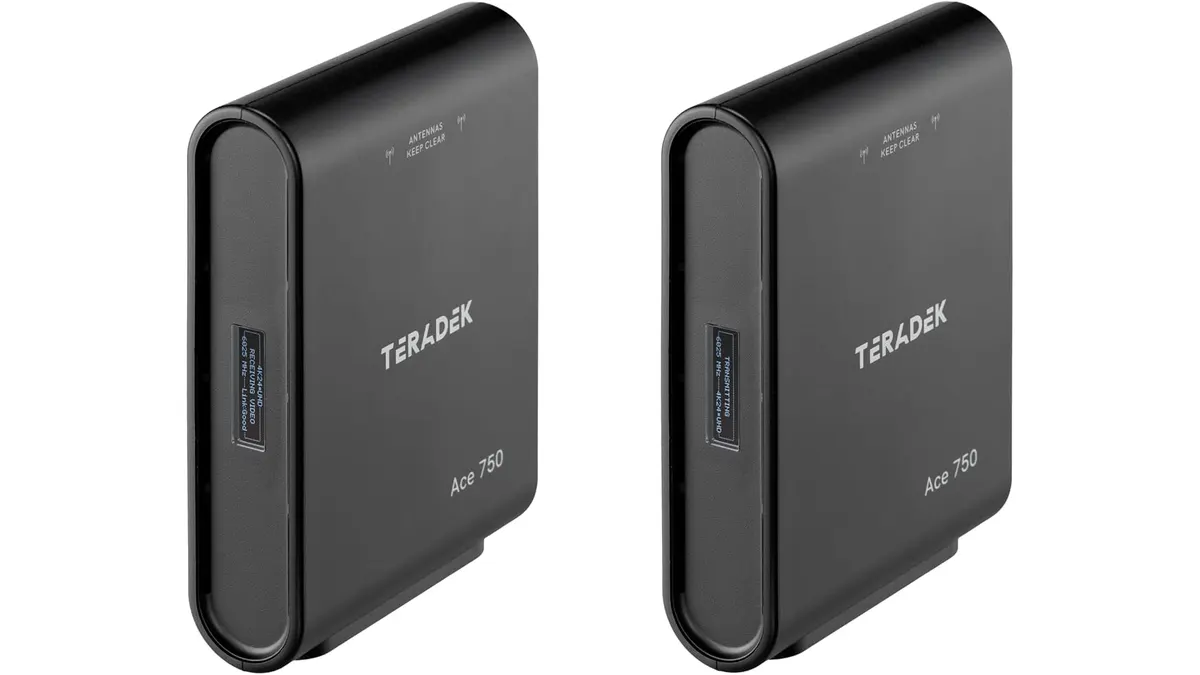
Teradek Ace 750 Review: Reliable 4K Video Transmission
Discover the Teradek Ace 750's capabilities for seamless video transmission. Find out if it's the right choice for your production needs.
 Video Transmission
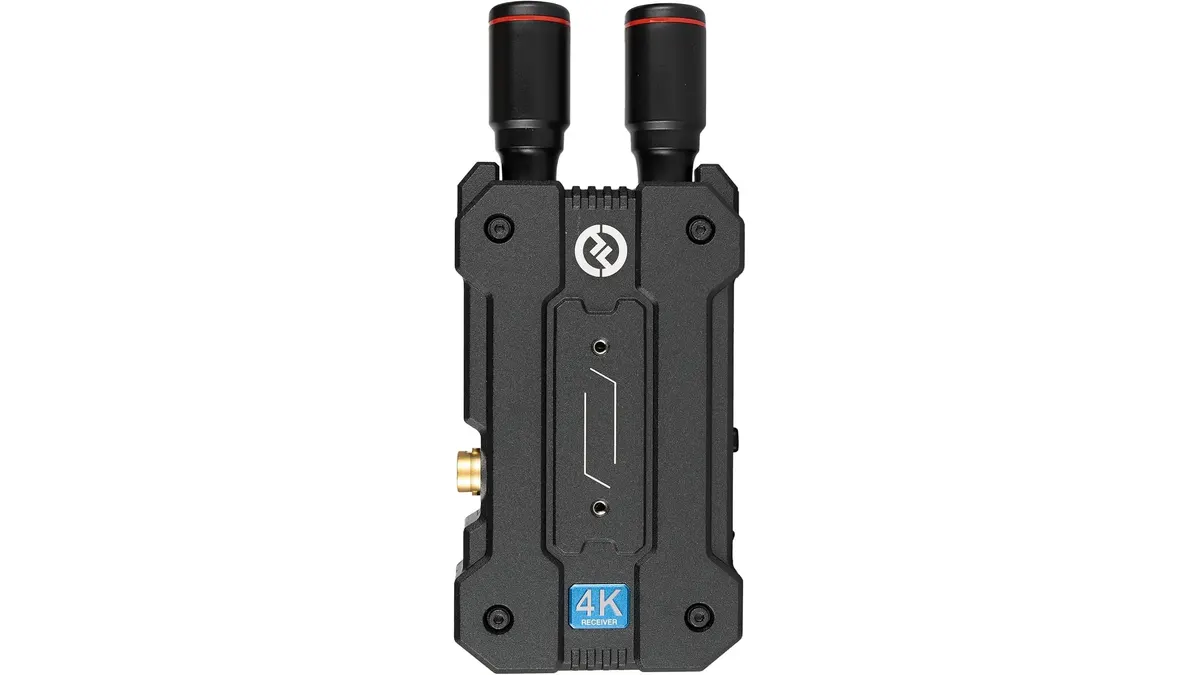
Hollyland Mars 4K Review: Reliable Wireless Video Transmission
Discover the Hollyland Mars 4K for seamless video transmission. Explore its strengths, limitations, and whether it's the right choice for your projects.