Samsung LS49C954UANXZA Review: Is This 49-inch Ultrawide Worth It?
We put the Samsung LS49C954UANXZA to the test. Discover if this massive 120Hz ultrawide monitor is the productivity powerhouse your edit suite needs.
 Monitors
Intro paragraph
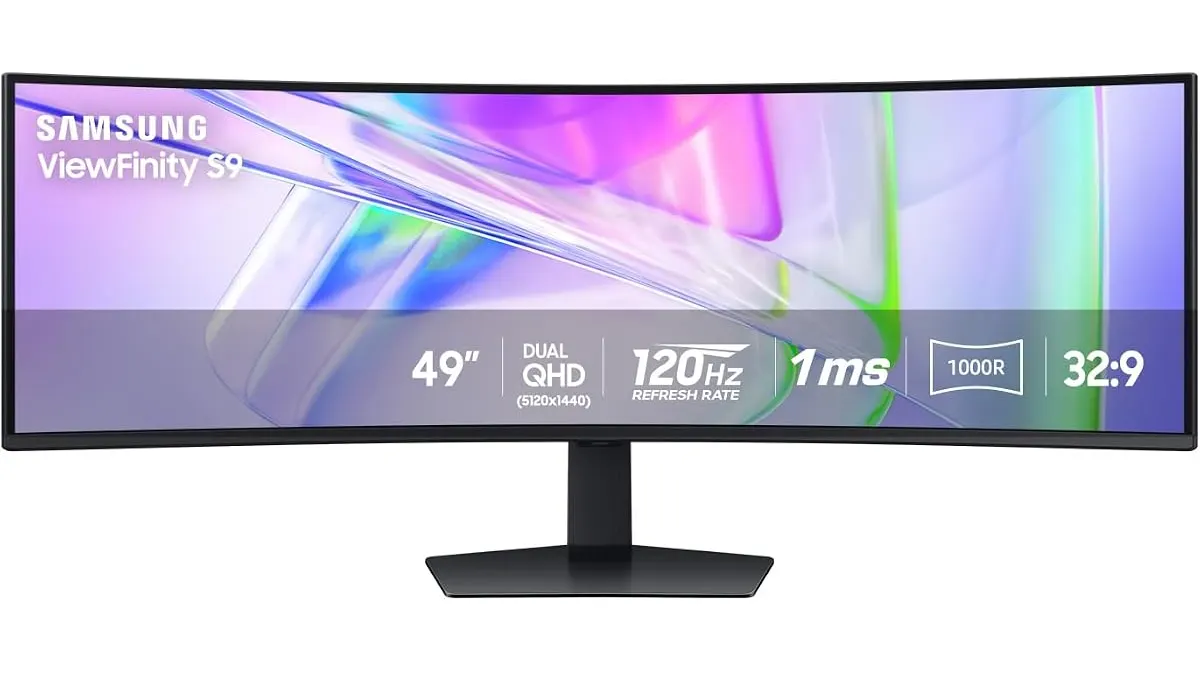
If your timeline in Premiere Pro or DaVinci Resolve feels like a cramped cockpit, the Samsung LS49C954UANXZA might be your ticket to a wider workspace. This 49-inch beast aims to replace dual-monitor setups with a single, seamless curve. In this Samsung LS49C954UANXZA review, we look at how it fits into professional workflows and whether it actually improves your editing efficiency in our guide to Monitors.
What it does well
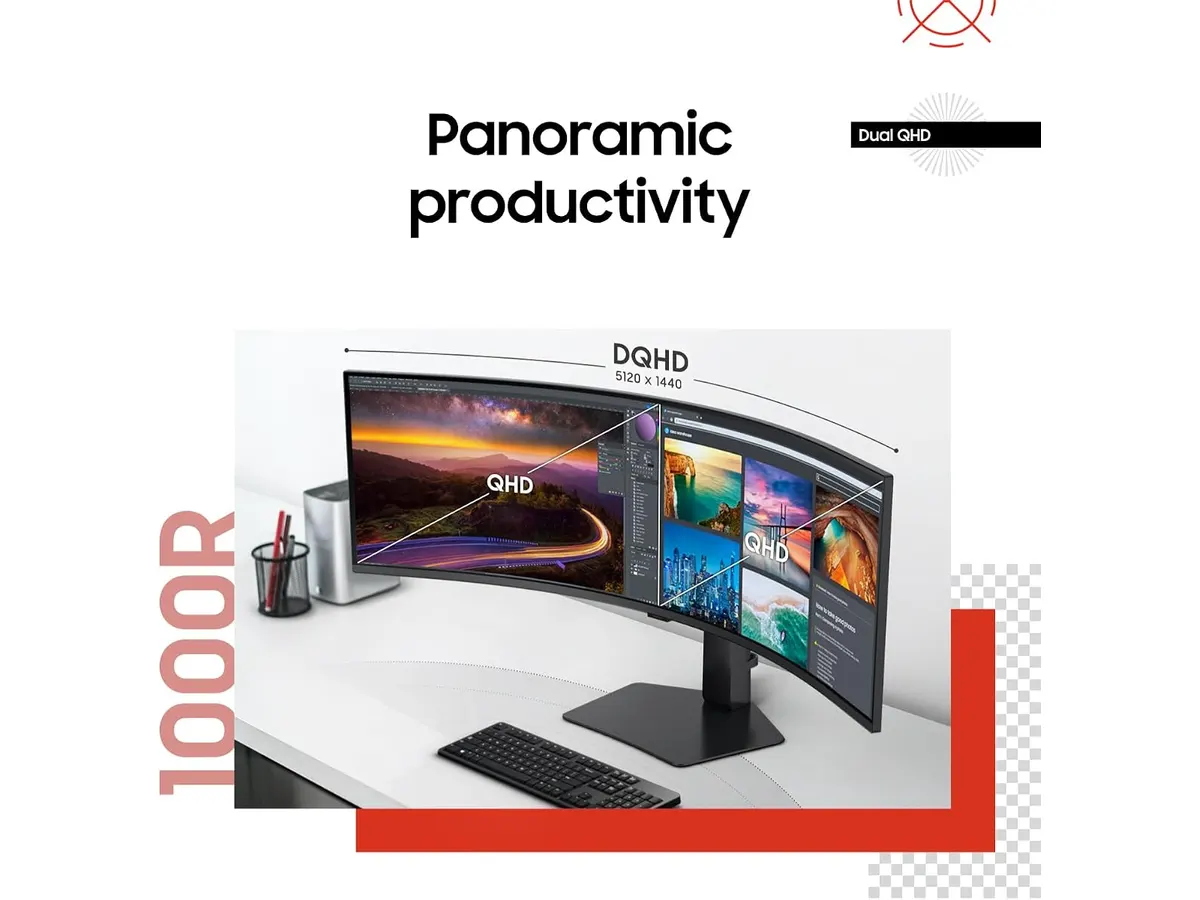
The primary draw here is the sheer horizontal real estate. With a 32:9 aspect ratio, you can stretch your video timeline across nearly the entire width of your desk, which is a game-changer for long-form narrative projects.
- Immersive Curvature: The 1000R curve is not just marketing fluff; it actually keeps the edges of the screen within your peripheral vision, reducing the neck strain that comes with panning across a flat, ultra-wide display.
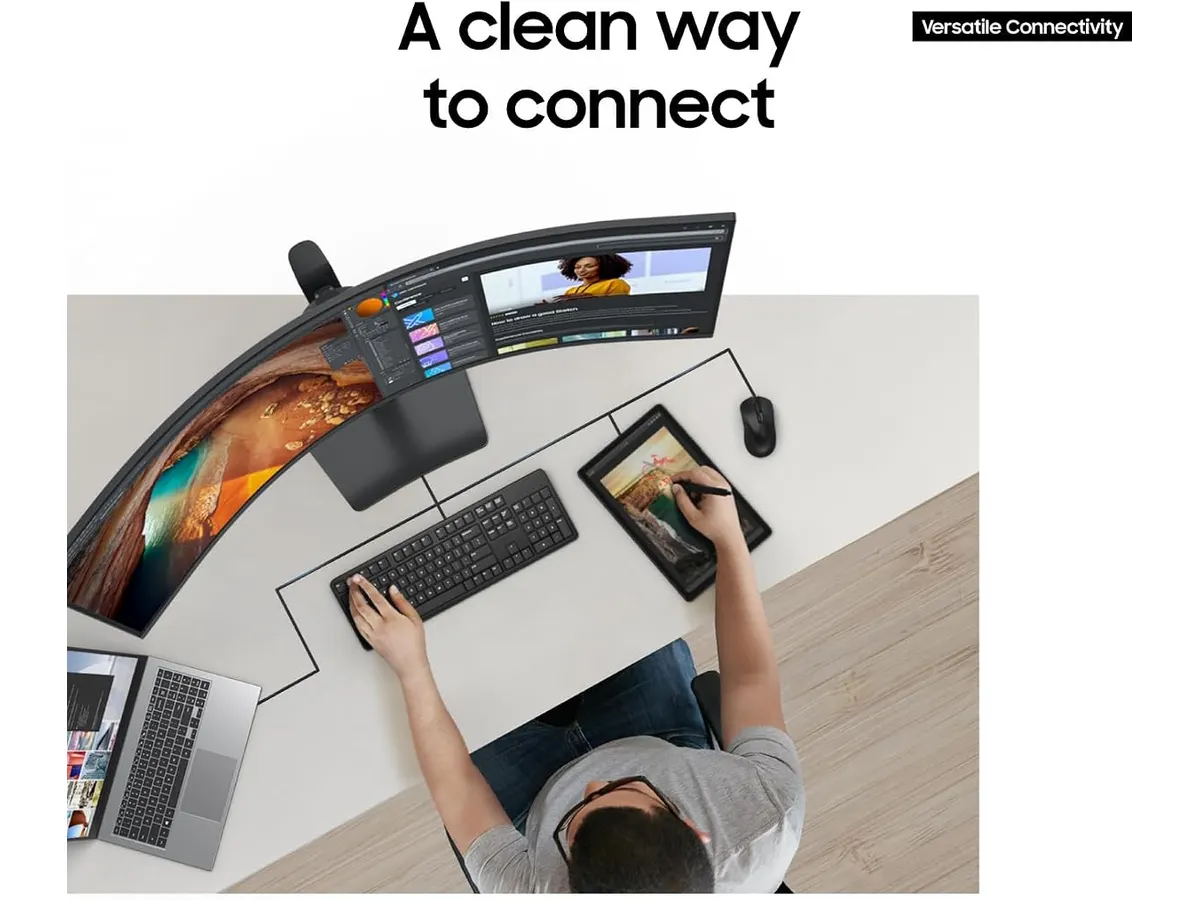
- One-Cable Efficiency: The inclusion of 90W USB-C power delivery is a massive win for laptop-based editors. You can connect your workstation with a single cable, handling video, data, and power simultaneously, keeping your desk clutter-free.
- Fluid Motion: While this isn’t a gaming-first panel, the 120Hz refresh rate makes a noticeable difference in UI responsiveness. Scrubbing through high-frame-rate footage feels snappy, and the lack of stutter compared to standard 60Hz panels is immediately apparent when moving windows around.
Key specifications
| Feature | Specification |
|---|---|
| Screen Size | 49 inches |
| Curvature | 1000R |
| Refresh Rate | 120Hz |
| Aspect Ratio | 32:9 |
| HDR Certification | VESA DisplayHDR 400 |
| Power Delivery | 90W USB-C |
| Audio | Integrated Speakers |
Where it falls short
Despite the impressive dimensions, the Samsung LS49C954UANXZA isn’t without its compromises. First, the VESA DisplayHDR 400 certification is entry-level; don’t expect the deep blacks or high-end peak brightness found on professional reference displays or even the Atomos Ninja 5.2” Review: A Solid 4K Monitor-Recorder when checking color accuracy for broadcast delivery.
Furthermore, the physical footprint is enormous. You need a deep, sturdy desk to accommodate the stand and the screen’s curve. If you have a small studio space, this unit will dominate it entirely, leaving little room for secondary equipment or reference gear like the Samsung Essential S3 27 Curved Monitor Review which would be much easier to mount as a side-car display.
Who is it for?
This monitor is built for the timeline-heavy video editor or the data-crunching colorist who needs to see the entire edit without constantly zooming and scrolling. It is a massive productivity booster for those who live in project management tools and multi-track timelines.
Conversely, this is not for the color-critical finisher who requires professional-grade color gamut coverage and extreme contrast ratios. If your work requires strict adherence to specific HDR standards for cinema, you will find the DisplayHDR 400 limitations frustrating.
Alternatives to consider
For those who need extreme color precision, there are professional-tier panels that offer smaller screen sizes but higher color accuracy, typically used by high-end production houses. These will lack the sheer width but provide the color depth required for professional grading.
If you prefer a multi-monitor workflow but want to keep the cost down, consider entry-level IPS panels in the 27-inch range. Using two of these side-by-side often provides more vertical vertical space than a single 32:9 ultrawide, which can be better for stacking audio tracks or tall node trees in compositing software.
Verdict
The Samsung LS49C954UANXZA is a specialized tool that excels at providing an expansive, distraction-free environment for timeline-heavy editing. While it lacks the punch for high-end color grading, it is a significant quality-of-life upgrade for general post-production tasks. For more options on how to round out your edit suite, check our catalog of Monitors to see how this stacks up against others.
Frequently asked questions
Can I use this for color grading?
It is suitable for general editing and content creation, but its entry-level HDR certification means it shouldn’t be your primary reference monitor for professional color grading.
Does it work with my MacBook?
Yes, the 90W USB-C power delivery is ideal for most modern laptops, providing both display output and charging over a single cable.
Is the 1000R curve distracting?
It takes a few hours to adjust, but most users find that the 1000R curve actually helps prevent eye fatigue by keeping the edges of the massive screen at a consistent focal distance.

Written by
Charly River
Editor & Head of Reviews
I review audiovisual gear by cross-checking official specs, real availability and value for money. No sponsorships: if a link earns a commission, I always say so.
Spotted an error? Email usYou may also like
 Monitors
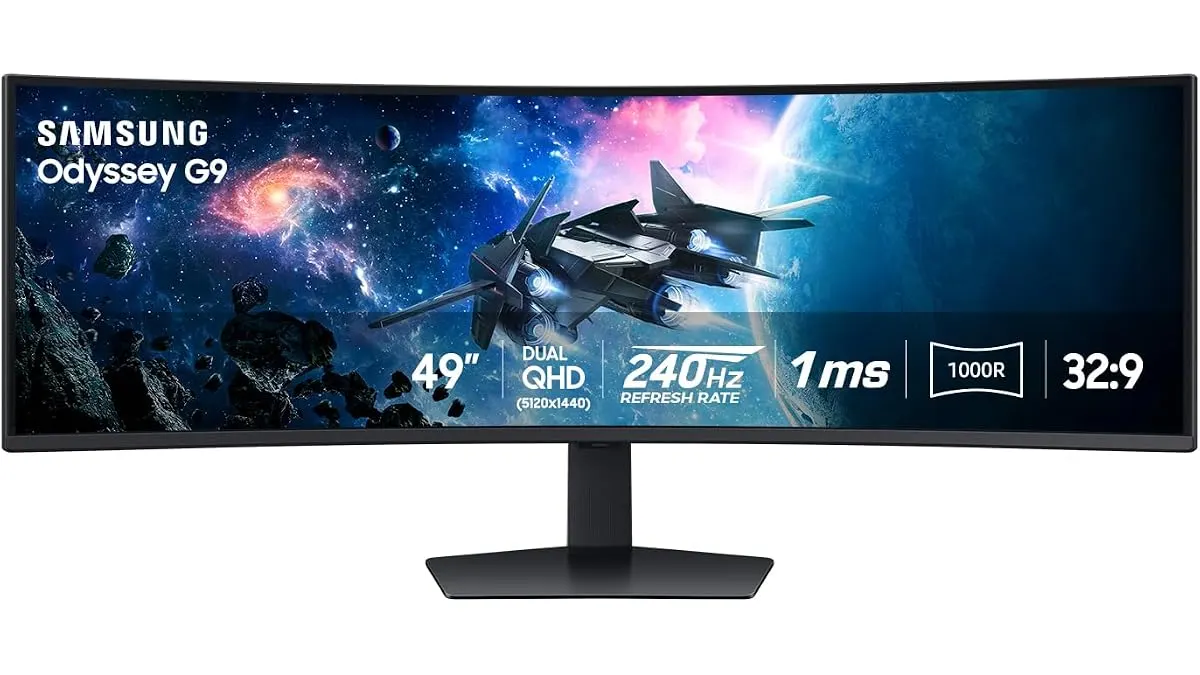
Samsung Odyssey G9 LS49CG954ENXZA Review: A Massive Ultrawide Test
We put the Samsung Odyssey G9 LS49CG954ENXZA to the test. Is this 49-inch curved beast right for your edit bay? Read our expert review to find out.
 Monitors
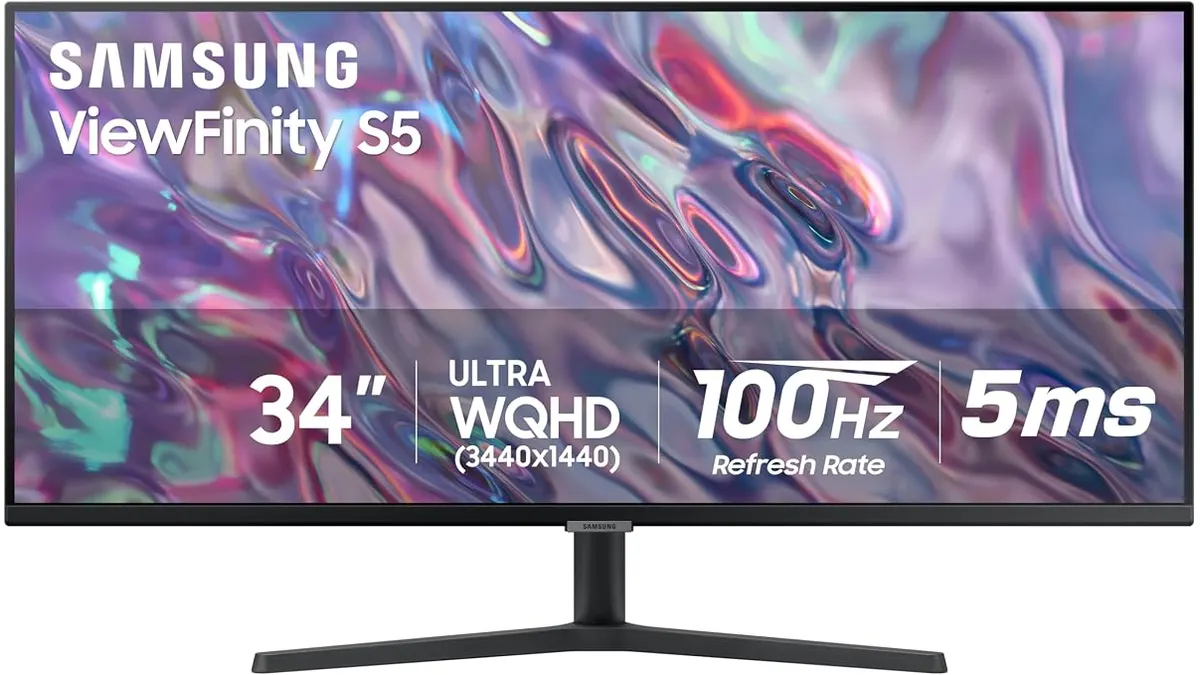
Samsung ViewFinity S50GC Review: A 34-Inch Desk Workhorse
Read our Samsung ViewFinity S50GC review. Discover how this 34-inch 21:9 Ultra-WQHD monitor handles video editing timelines and multi-source workflows.
 Monitors
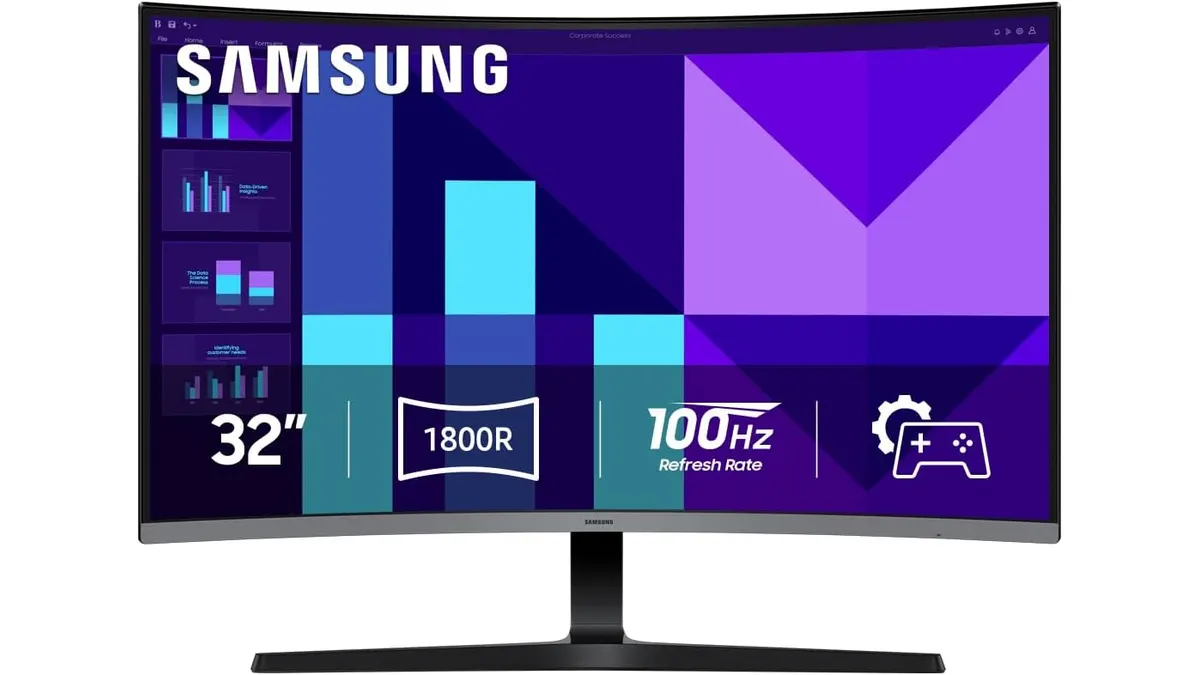
Samsung S3 S39GD Series Review: A Large Curved Desktop Display
Looking for a big, immersive screen for your edit suite? We put the 32-inch Samsung S3 S39GD Series through its paces to see if it fits your production needs.